
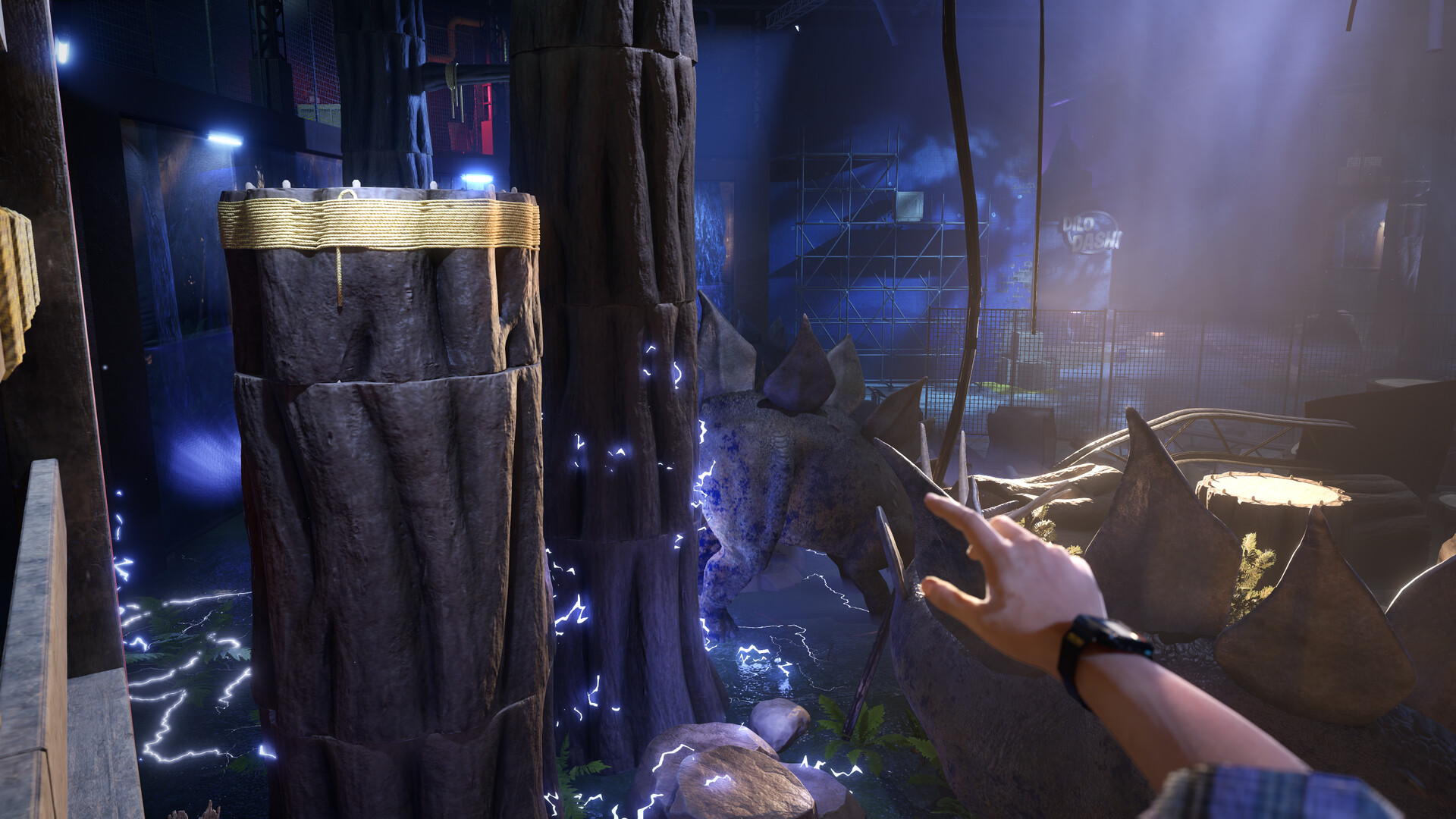
Official screenshot · Steam media gallery · © WDR Studios / Digital Pajamas / Behaviour Interactive. Material statement.
What unlocks each code
According to Behaviour’s cross-promotion FAQ, the badge and banner code unlocks when you enter the Dalton’s Dinos museum lobby. That happens very early in Chapter One.
The charm code unlocks when you complete Level 2. If you only played the opening, you will have the badge and banner but not the charm yet.
Where to find the codes
Open the Terrible Lizards main menu and look for the Dead by Daylight Rewards tab. Unlocked codes are listed there.
The codes are not dropped into Dead by Daylight automatically. You still need to claim and redeem them yourself.
How to redeem them in Dead by Daylight
Sign in at account.bhvr.com with a Behaviour account linked to your Dead by Daylight platform account. Then go to Game Library, Dead by Daylight, Rewards to claim the reward.
The FAQ also points to the Redeem Code option in the Dead by Daylight Store. Use the platform account where you actually play Dead by Daylight so the cosmetics appear in the right place.
If a code does not show up
First check that you reached the right milestone: the museum lobby for the badge and banner, and the end of Level 2 for the charm. Then confirm that your Behaviour account is linked to the correct platform.
If it still fails, contact Behaviour support through the FAQ page linked below. This site cannot issue or reissue codes.
Sources & article scope
Research checked October 29, 2026. Cross-promotion steps from the official Dead by Daylight support FAQ. Send a correction.